
EasyChat
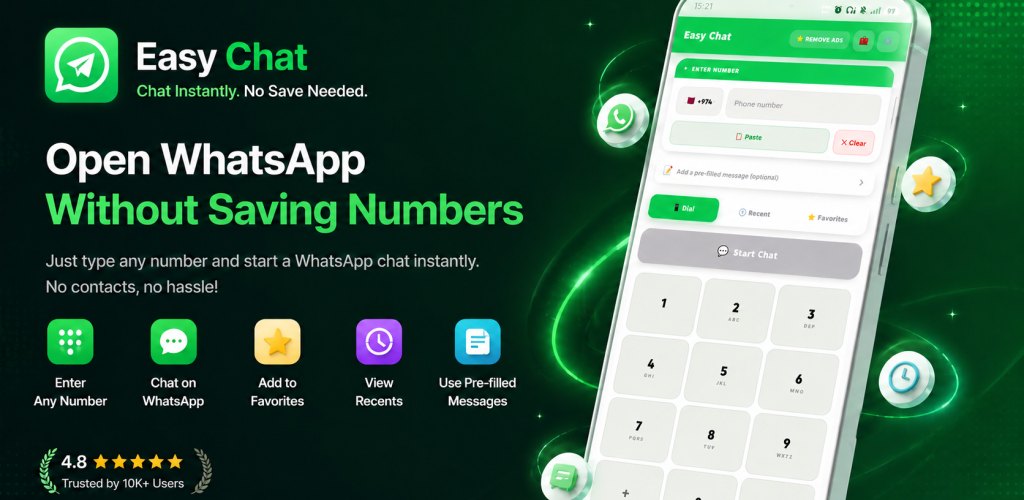
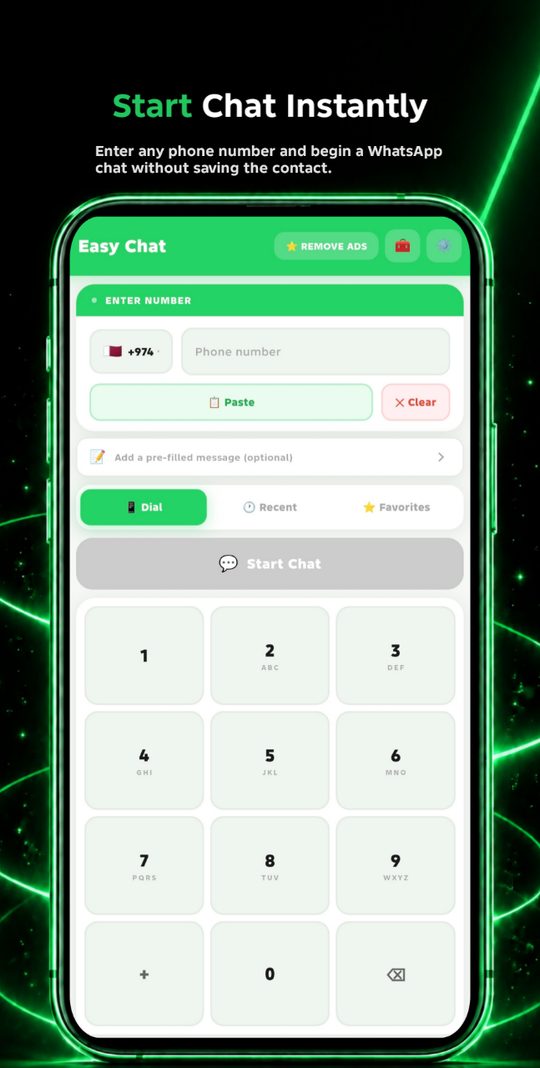
Message any WhatsApp number without saving it to your contacts first.
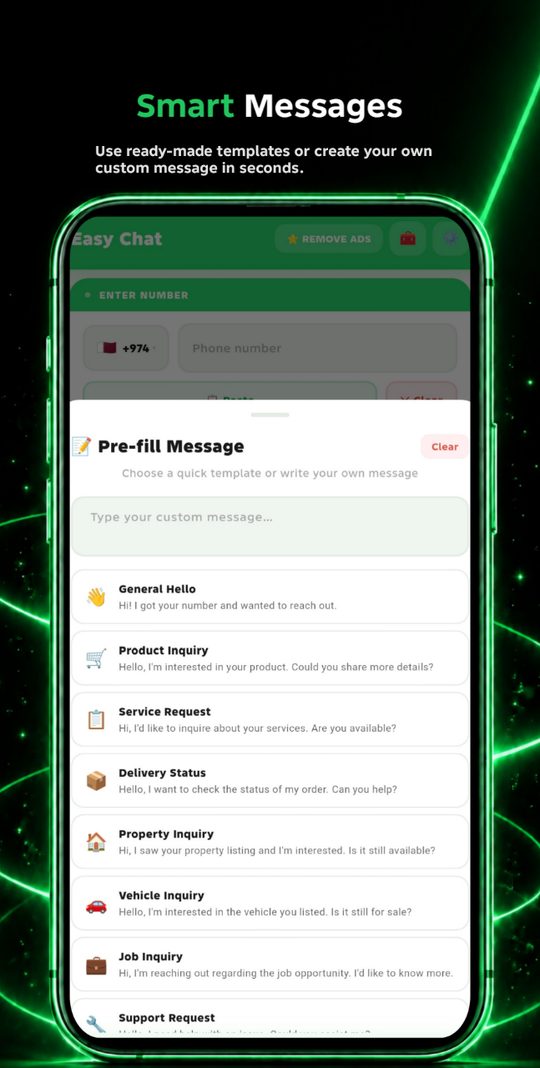
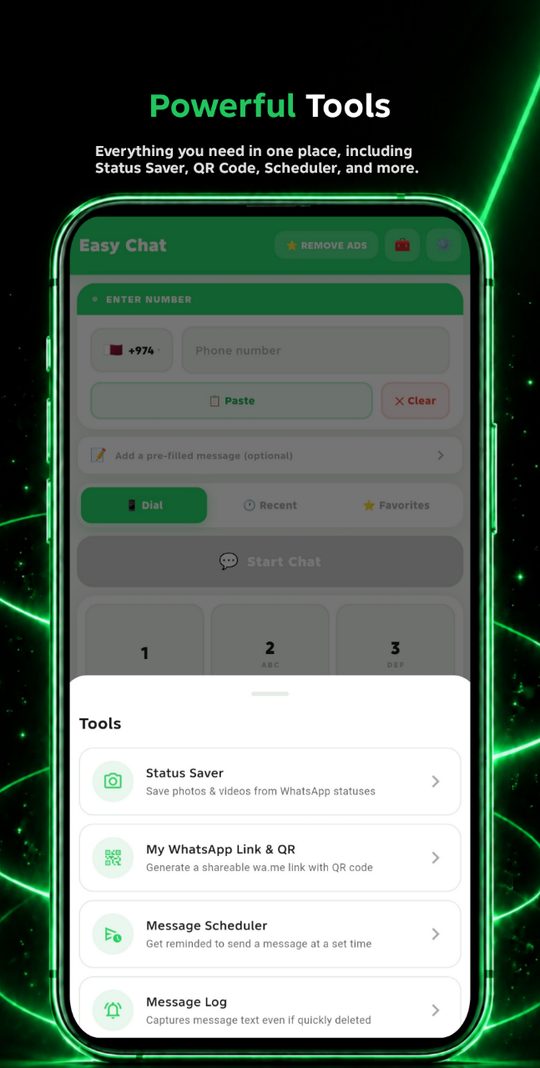
Swipe to see more
Saving a number just to send one message clutters your contact list — and once you've messaged someone, they can see your profile photo and status updates indefinitely. EasyChat starts the conversation without adding them anywhere.
Messaging
- Send a WhatsApp message without saving the contact
- 200+ country codes with flags
- Paste a number straight from the clipboard in one tap
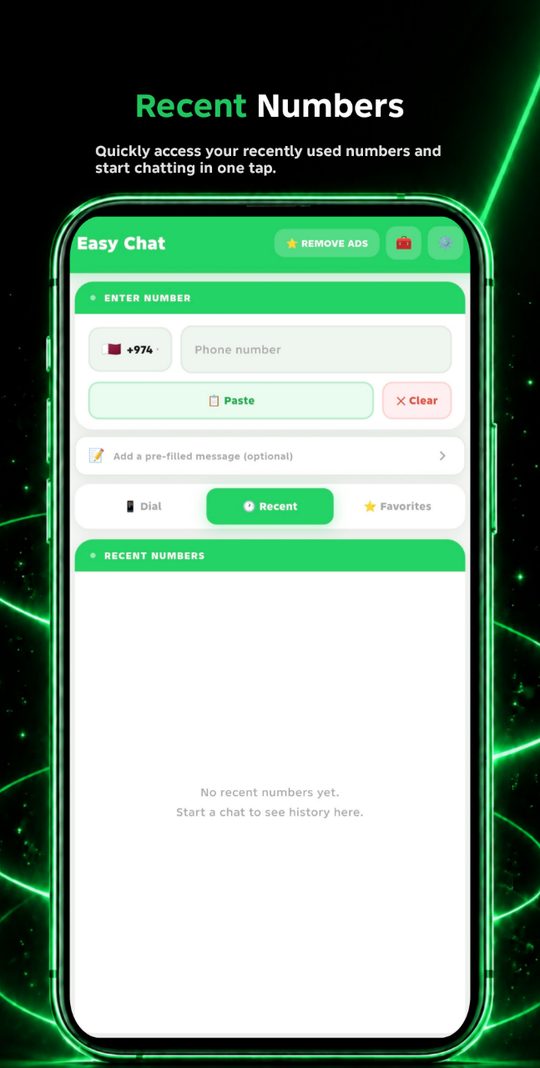
- Recent number history — reuse your last 5 numbers quickly
- Works with both WhatsApp and WhatsApp Business
Extra tools included
- Status saver — keep WhatsApp statuses and photos you've viewed
- My link and QR code — share your own number without giving it out directly
- Message scheduling — get a reminder to send a message at the right time
- App lock — protect EasyChat with a PIN or fingerprint
- Message log — a local record of incoming WhatsApp notifications, so you know what was said even if the message is deleted seconds later
Who it's for
- Business owners contacting new customers
- Delivery and logistics workers
- Buying and selling on marketplaces
- Travellers contacting local services
The core feature works in a browser too. Enter a number, get a WhatsApp link back — nothing is saved to your phone and nothing is uploaded anywhere.
WhatsApp Link Generator
Turn any phone number into a direct chat link, with an optional pre-filled message.
The app adds what a browser can't do well: number history, status saver, scheduling, app lock, and the message log. If you send these more than occasionally, the app is faster.
Why does the status saver need storage access?
WhatsApp already caches statuses you've viewed on your device. The status saver reads that cache so you can keep a copy. It doesn't scan the rest of your storage.
Why does the message log need notification access?
The log reads the text of incoming WhatsApp notifications so a deleted message is still readable. It's stored locally on your phone only. EasyChat doesn't read your contacts, your messages, or your chat history.
The chat opens with the wrong number
Check the country code — if you enter a number that already includes the country code while a different one is selected, WhatsApp will try the combined number. Enter the local number only, or pick "Other" and type the full international number.
Something isn't working
Email support@nexlabstudios.com with your phone model and what you were doing when it happened.
EasyChat is not affiliated with or endorsed by WhatsApp Inc. WhatsApp is a trademark of WhatsApp Inc.